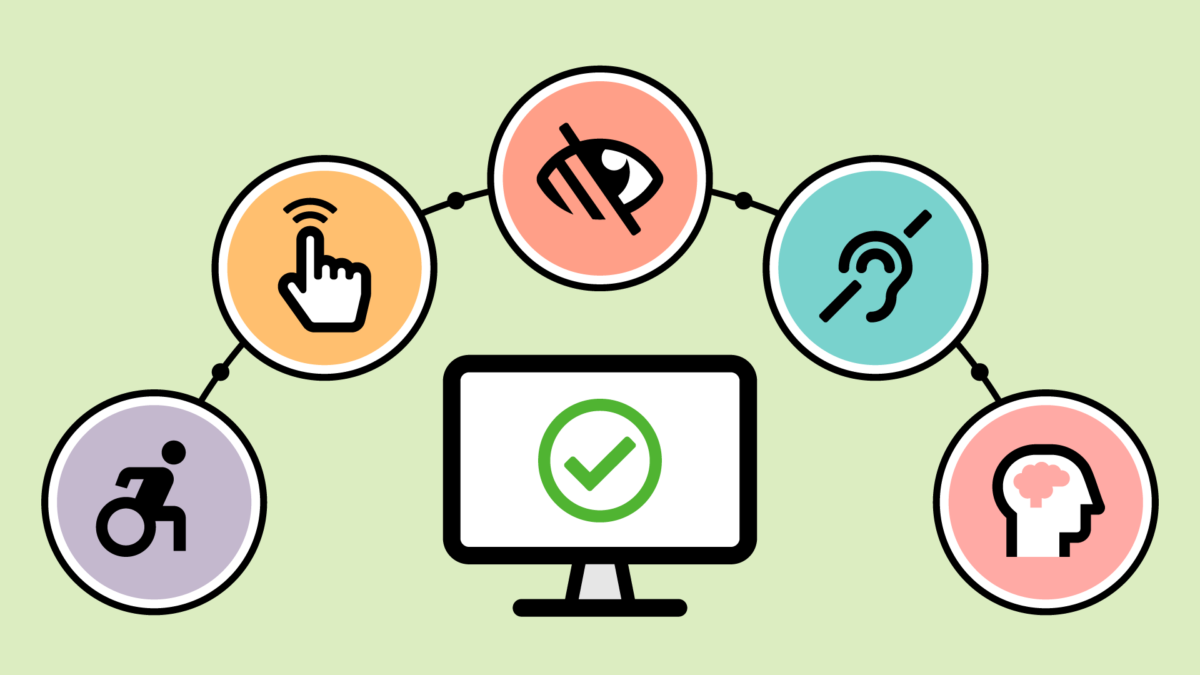
Understanding Web Accessibility: Why It Matters for Your Site
Web accessibility is the practice of making websites usable for all individuals, including those with disabilities. Understanding web accessibility is crucial because it ensures that everyone, regardless of their physical or cognitive abilities, can access and interact with your site. By adopting accessibility guidelines, such as the Web Content Accessibility Guidelines (WCAG), you create a more inclusive environment that not only benefits users with disabilities but also enhances the experience for all visitors. This can lead to increased traffic, improved user engagement, and better overall performance for your site.
Moreover, prioritizing accessibility can positively impact your site's SEO efforts. Search engines favor websites that provide valuable experiences to users, which includes being accessible. By improving the accessibility of your site, you can enhance your site's visibility on search engines. Additionally, many of the practices that improve accessibility, such as optimizing your site’s structure and using semantic HTML, also contribute to better search rankings. Ultimately, understanding web accessibility is not just a moral imperative; it is a smart business strategy that can open up your content to a wider audience while aligning with best practices for SEO.
Top 10 Best Practices for Enhancing Web Accessibility
Enhancing web accessibility is essential for ensuring that all users, including those with disabilities, can navigate and interact with your website effectively. Here are ten best practices you can implement:
- Use descriptive alt text for images to provide context for screen reader users.
- Ensure that color contrast ratios meet accessibility standards to improve text readability.
- Implement keyboard navigation to allow users to navigate your site without a mouse.
- Utilize headings and semantic HTML to create a well-structured content hierarchy.
- Provide captioning for videos and transcripts for audio content to benefit users with hearing impairments.
In addition to these initial practices, consider the following five recommendations to further enhance your web accessibility:
- Make forms accessible with proper labels and instructions.
- Include skip links to help users bypass repetitive content.
- Test your website using accessibility evaluation tools and real user feedback.
- Regularly update content to ensure ongoing compliance with accessibility regulations.
- Provide a way for users to contact you for accessibility-related questions or support.
Is Your Website Inclusive? A Checklist for Accessibility Compliance
In today's digital landscape, ensuring that your website is inclusive is not just a legal requirement but also a moral imperative. An accessible website allows everyone, including people with disabilities, to engage with your content. To help you assess your website's inclusivity, consider the following checklist for accessibility compliance:
- Ensure that all images have descriptive alt text to assist users relying on screen readers.
- Check that your contrast ratios meet the minimum requirements to make text easily readable for everyone.
- Use headers appropriately to create a clear content structure that improves navigation.
- Make all interactive elements accessible via keyboard navigation.
Moreover, it’s essential to test your website with various assistive technologies like screen readers and voice recognition software. Regular user testing with individuals who have disabilities can reveal potential barriers that automated tools might miss. Remember, accessibility compliance is an ongoing process, and keeping your website inclusive not only helps you reach a broader audience but also enhances user experience across the board. By prioritizing accessibility, you foster an environment where everyone feels welcomed and valued.